 A PHOTO OF YOU
01
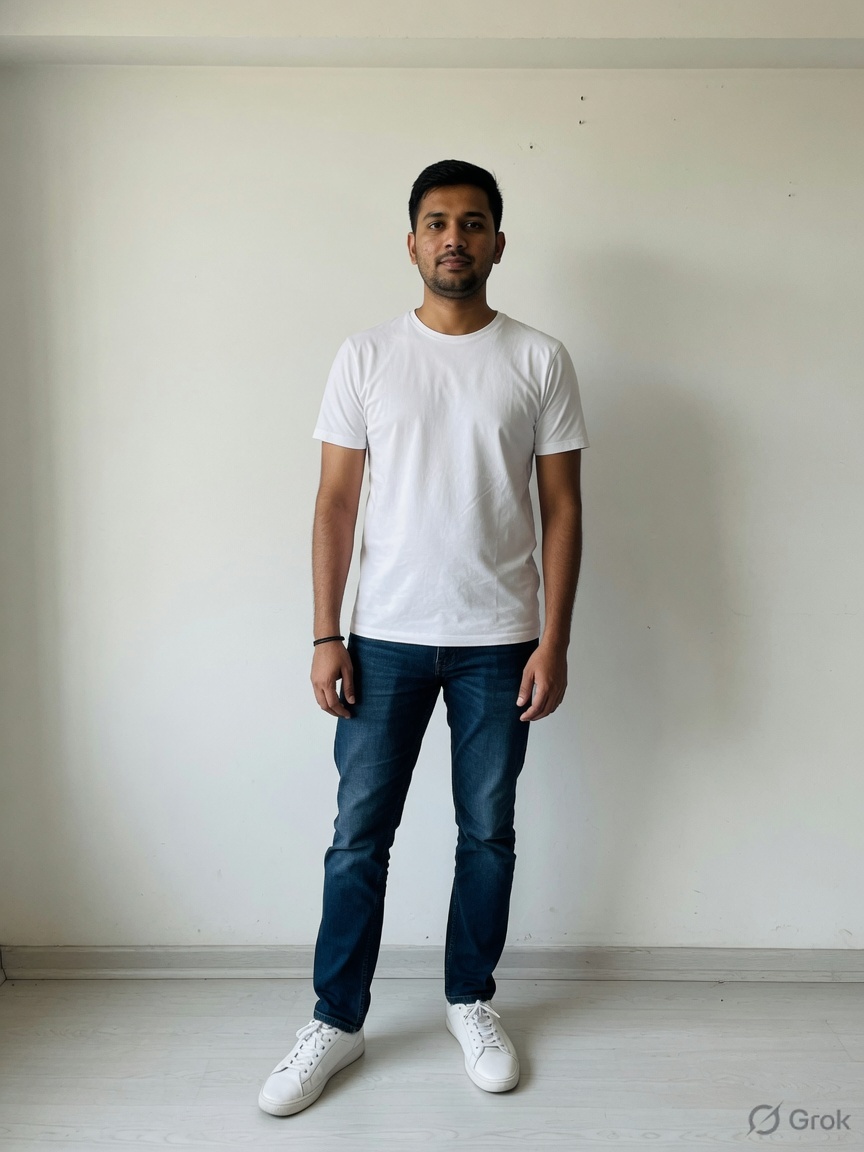
Start with your photo.
Add a clear, front-facing photo and choose your avatar.
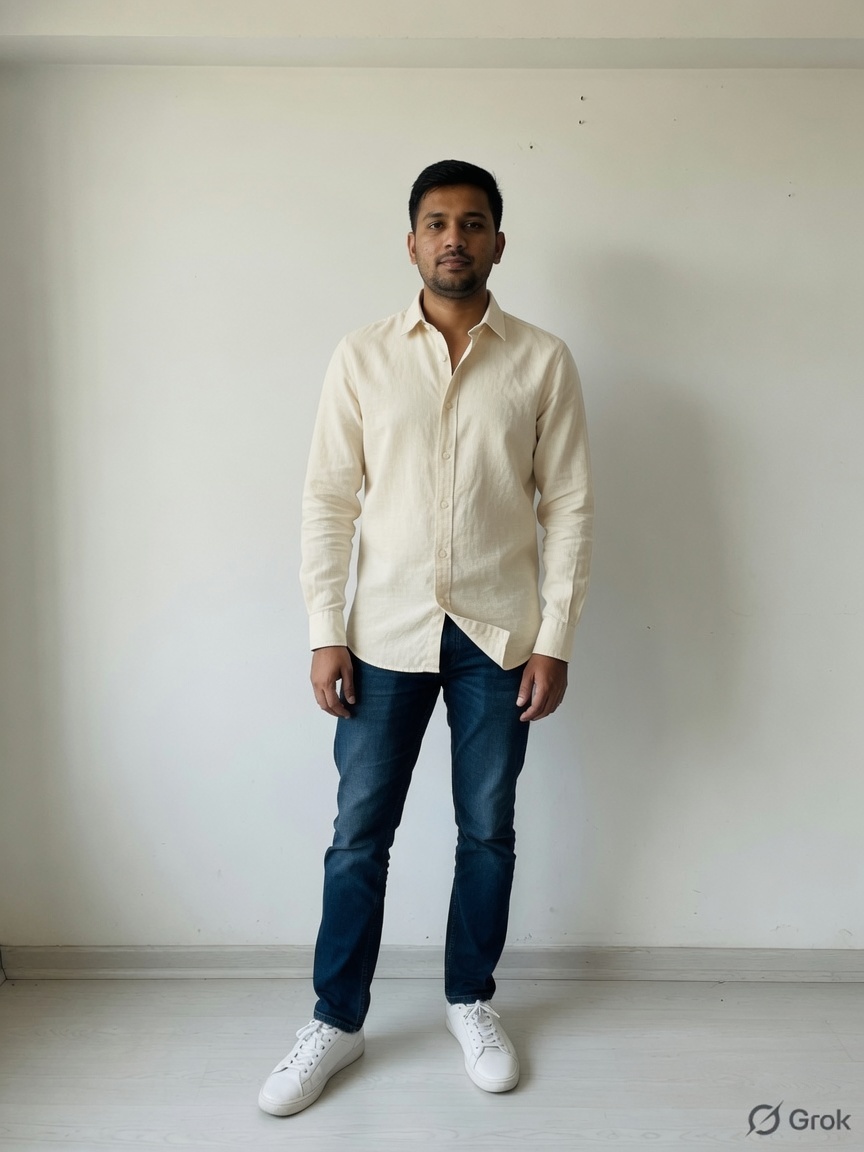
That outfit you saved? See it on your own photo.
Explore a new style with SnapScore’s virtual try-on, then find the look you love.
 Start with you.
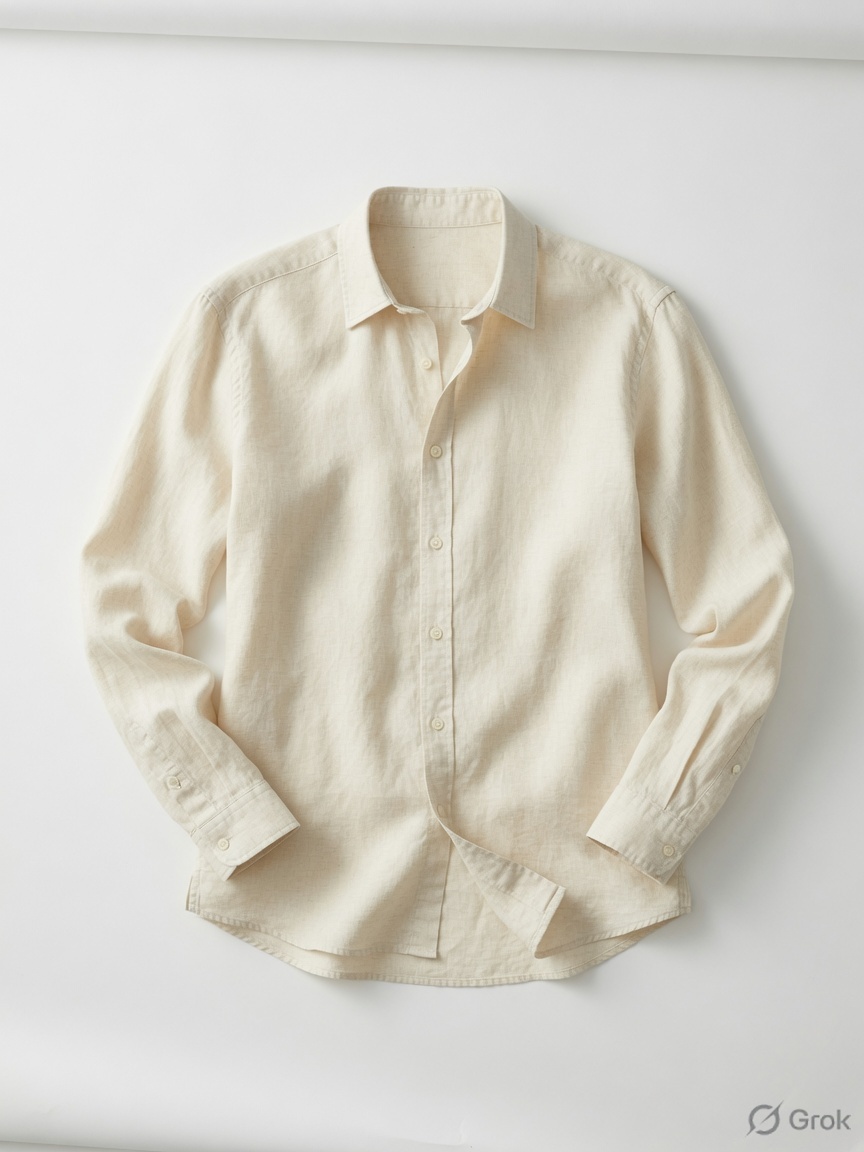 Cream linen
Illustrative demo. Try your own photos in the app.
A LITTLE CURIOSITY. A WHOLE NEW LOOK.
No changing room needed. Bring your photo and an outfit image. Wear & See helps you explore how the look could come together.
A PHOTO OF YOUAdd a clear, front-facing photo and choose your avatar.
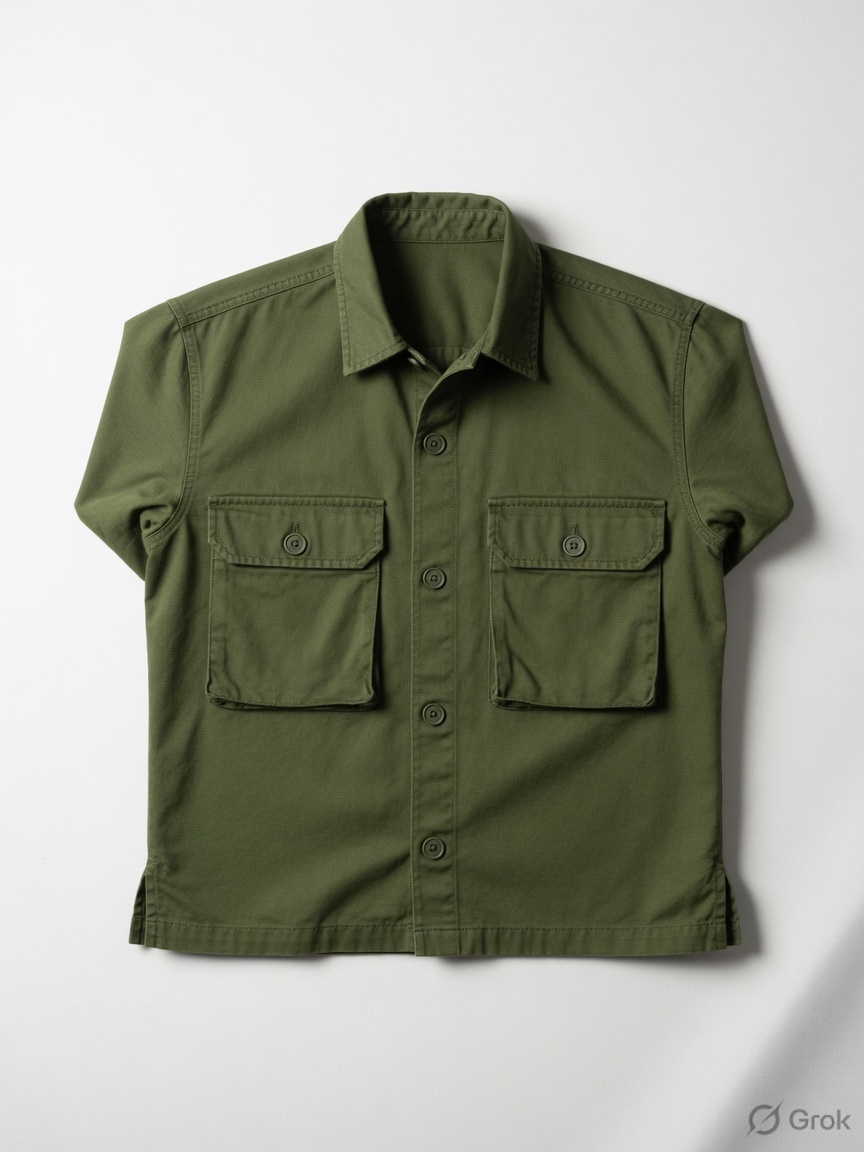 THAT SAVED OUTFIT
Pick an outfit photo or a saved screenshot that caught your eye.
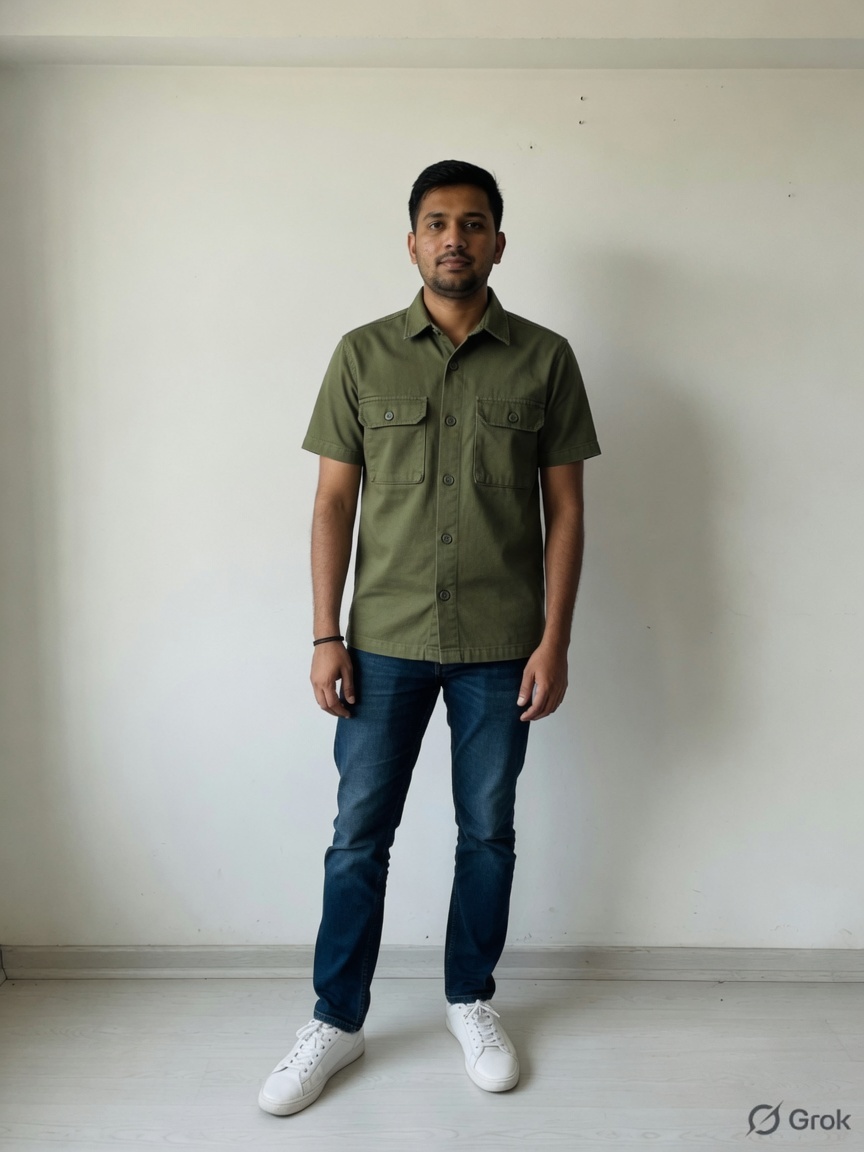 A NEW POSSIBILITY
Explore the preview, check its outfit score, and save your favorites.
Try-on creates a visual style preview. It does not measure size or guarantee physical fit. Examples shown are illustrative.
Explore SnapScoreSAME APP. YOUR FAVORITE PHOTO TOOLS.
The outfit is only the beginning. SnapScore also helps you choose the photo worth keeping—and understand why it stands out.
 The one to keep
Scores with reasons.
A choice that makes sense.

FOR EVERYTHING ELSE IN YOUR CAMERA ROLL
From the profile picture you’re about to post to the notes you need tomorrow. Your familiar SnapScore tools are all here.
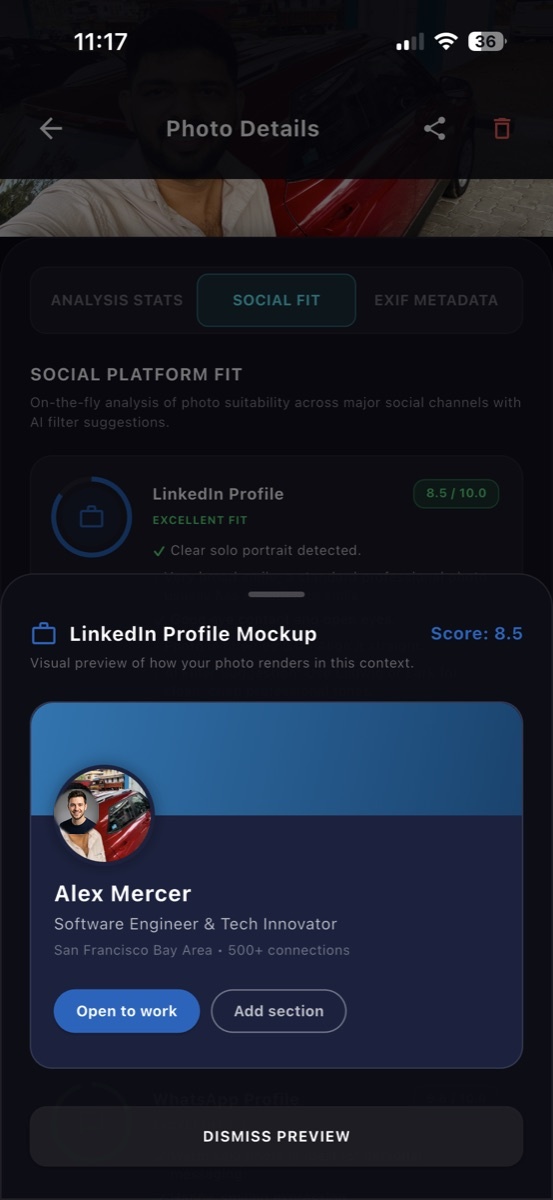
Check profile crops, feed layouts, and cover safe zones for LinkedIn, Instagram, WhatsApp, Slack, and more.
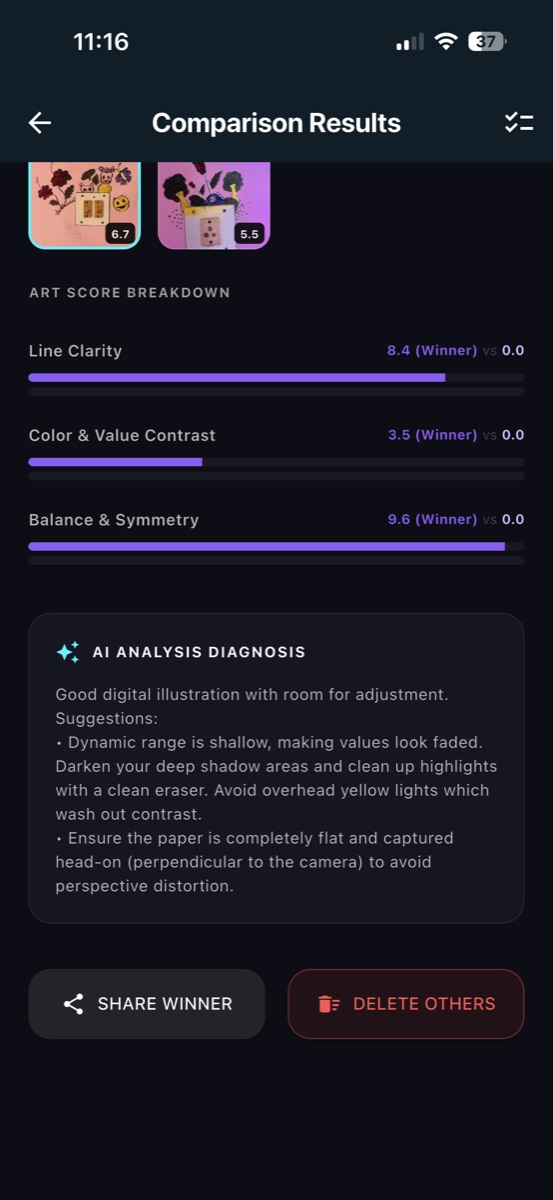
LOOK BEFORE YOU POSTExplore line clarity, contrast, and balance in photos of your drawings and paintings, with practical feedback.
GIVE YOUR ART A CLEARER STAGECheck photographed notes, documents, and whiteboards for blur and readability before you rely on the scan.
KEEP THE NOTES YOU CAN READCompare detail and exposure across test shots. Inspect ISO, shutter speed, aperture, and other EXIF information.
GET TO KNOW YOUR CAMERAReview the comparison, keep your favorites, and choose which unwanted duplicate shots to delete.
A CAMERA ROLL WITH ROOM TO BREATHECreate a winner card to share. Start photo comparisons from your gallery’s share sheet on supported devices.
FROM YOUR GALLERY TO YOUR PEOPLEA LOOK INSIDE
Explore the photo tools through screenshots from SnapScore. Clear comparisons, useful details, and previews with context.
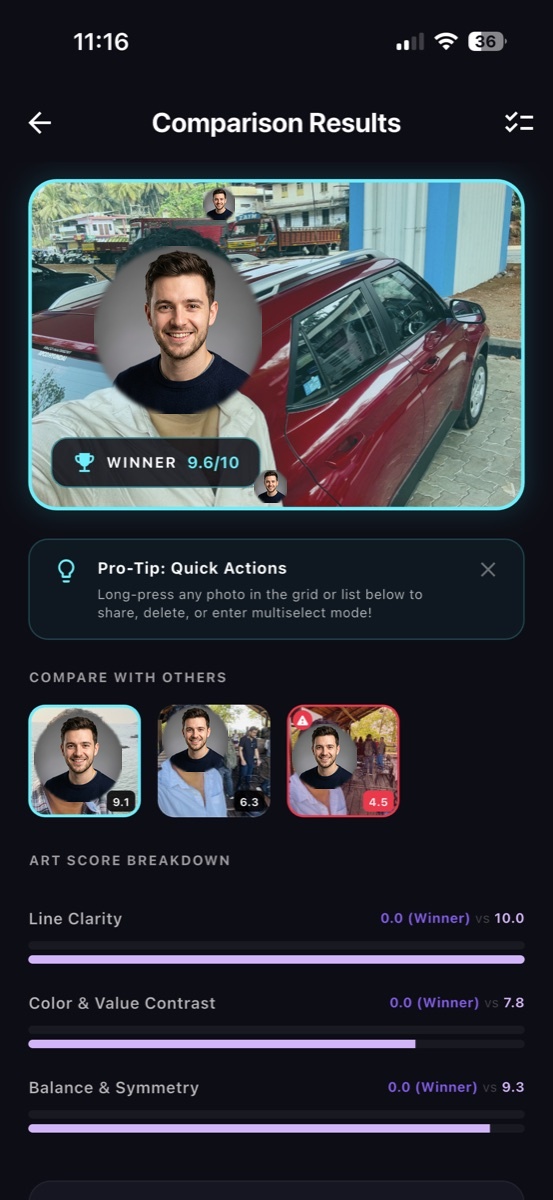
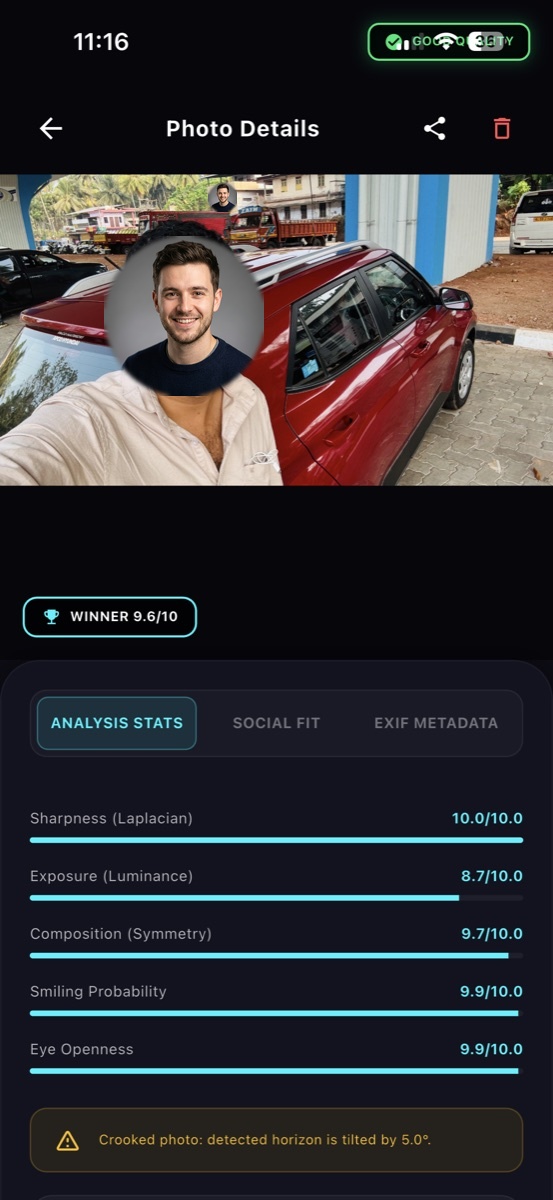
YOUR PHOTOS. YOUR CHOICE.
Photo ranking, artwork feedback, and document analysis run on your phone. Virtual try-on processes the photos you select online to create your outfit preview.
This website counts download-button clicks using random session IDs that expire after 30 minutes of click inactivity. Reports cover the last 90 days, and older click records are removed when a new click is recorded. We don’t store IP addresses or photo data in this click tracker, and we respect Do Not Track and Global Privacy Control.
A FEW THINGS YOU MIGHT BE WONDERING
A clear, front-facing photo for your avatar and an image of the outfit you want to explore. You can use an outfit photo or a saved screenshot. Try-on needs an internet connection.
No. It is a visual style preview, not a measurement or a guarantee of fit. Use the retailer’s size guide and check fabric and sizing before buying.
SnapScore is free to download and offers in-app purchases. Premium features and try-on packs may require a purchase. Check current options and prices inside the app.
Yes. Photo comparison, quality details, Social Fit previews, artwork feedback, document clarity, and camera comparison remain part of SnapScore.
Photo ranking and quality analysis work on your device. Virtual try-on processes selected photos online and needs an internet connection. See the privacy policy for details.
Use the App Store button for iPhone and iPad, or the Google Play button for Android. Feature availability can vary by app version; check your store listing and update to the latest available version.
YOUR NEXT LOOK. YOUR NEXT GREAT SHOT.
Meet the photo assistant with a new sense of style.
Free to download · In-app purchases · iOS & Android